Why Some Websites Block VPN Users (And What to Do)
Last updated: November 7, 2026
Disclosure: This page has an affiliate link. We may earn a fee if you buy. Your price stays the same.
Here is why some websites block VPN users. They must follow rights deals. They must stop fraud and bots too.
This guide is for VPN users who hit blocks. It helps new buyers too.
First, you will learn the main reasons. Then you will learn how to test a VPN.
Key Takeaways
- Rights deals make streaming sites block VPNs.
- Banks and shops block VPNs to stop fraud.
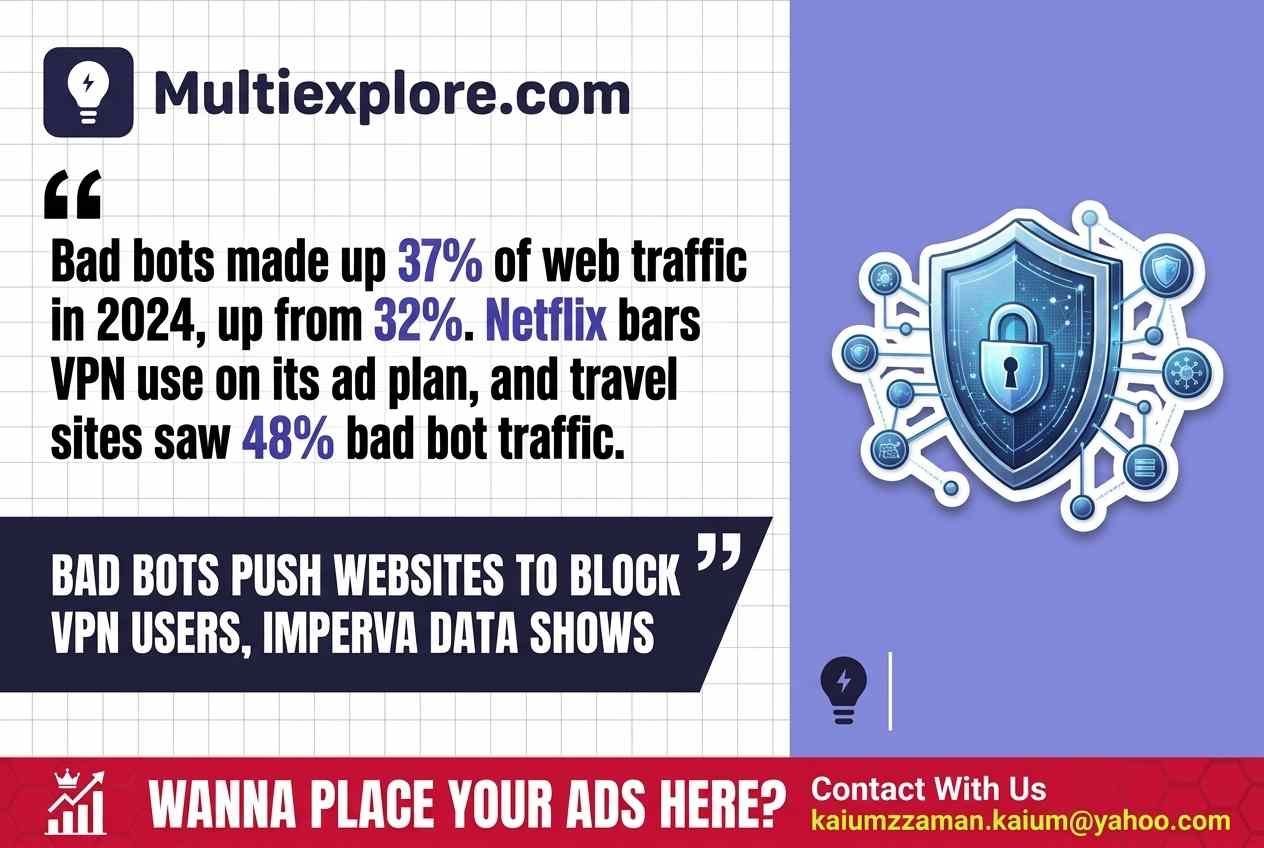
- Imperva says bad bots made up 37% of web traffic in 2024.
- Turn the VPN off or switch servers to fix blocks.
- A 30-day refund lets you test a VPN with less risk.
Why Some Websites Block VPN Users: The Main Reasons
Websites block VPN users for three reasons. Each one ties to law, money, or safety. A VPN hides your IP address.
It also locks your data. Most people use it for privacy. But sites see a risk.
Streaming rights and region locks
Rights deals top the list. Studios sell shows one country at a time. So a site shows a title in one place.
A VPN fakes your place. That breaks the deal. So the site blocks it.
For example, Netflix shows just titles it owns worldwide on a VPN. Netflix Help Center names Squid Game and Stranger Things. Plus, Netflix bars VPN use on its ad plan.
Then live events will not play on a VPN. Likewise, BBC iPlayer is for the UK. Its notice tells you to turn the VPN off.
Fraud and account takeover
Next comes fraud. Thieves use VPNs to hide. So banks and shops watch VPN use.
Imperva’s 2025 study links 11% of sign-ins to takeover bids. But a site cannot tell a thief from you. So it may block both.
Bots, scraping, and abuse
Last, bots drive many blocks. Bad bots made up 37% of web traffic in 2024. That is up from 32% in 2023.
Imperva’s 2025 Bad Bot study shows this. Plus, Thales says the 2026 study puts it at 40%. Bots hide behind proxies and fake browser names.
So sites block VPN servers to cut the noise. But travel sites feel it most. Bad bots made up 48% of their traffic in 2024.
How Do Websites Detect a VPN?
Sites spot a VPN by its IP address. A VPN gives you a shared IP. Lots of users sit behind it.
So the site can flag it fast. Next, see three checks.
- IP lists: Sites keep lists of known VPN IPs.
- Place mismatch: Your IP says UK. Your account says US.
- Odd use: Hundreds of sign-ins from one IP look like a bot.
But mistakes happen too. Netflix says it can flag an IP by mistake. Its Open Connect help page explains.
So a home net can get blocked. No VPN is needed.
Which Sites Block VPNs Most Often?
Streaming, finance, travel, and gaming sites block VPNs most. The table shows why some websites block VPN users more than others.
| Site type | Main reason | Evidence |
|---|---|---|
| Streaming | Rights deals | Netflix Help Center, 2026 |
| Finance | Fraud and takeover | Advanced bots are common here (2024) |
| Travel | Lots of bots | 48% of 2024 visits (2025 study) |
| Gaming | Lots of bots | 57.2% of 2023 visits (2024 study) |
The table uses Imperva studies. But Imperva sells bot tools. So its data may lean toward bots. Plus, bot data is not VPN data.
What Can You Do When a VPN Gets Blocked?
A blocked VPN has simple fixes. So start with the easiest.
- Turn the VPN off. Netflix gives this tip.
- Try another server. A new IP may work.
- Use split tunneling. Then just chosen apps use the VPN.
- Contact support. Ask the site to check the IP.
Then pick the fix that fits your goal.
- Best for home streaming: Turn the VPN off.
- Best for online banking: Use split tunneling.
- Best for work logins: Ask IT for a fixed IP.
A word of caution. A VPN is legal in most places. But dodging region rules can break a site’s terms.
Your access may end. So check local laws first.
Which VPN Should You Try?
No VPN can beat every block. Sites change their IP lists. So test a VPN before you commit.
What to check before you buy a VPN
- Refund window: A 30-day guarantee gives you time to test.
- Server count: More servers give you more IPs to try.
- Device cap: No cap helps families.
- Renewal price: Intro deals renew at a higher rate.
Surfshark VPN plans and refund terms
Surfshark meets these checks. It has no device cap and 3,200+ servers. Plus, it spans 100+ countries.
It has a 30-day money-back guarantee. Intro rates start at $1.99 a month. Some reviews list $1.78.
Long plans carry the deepest cuts. But renewals cost more. So note your renewal date.
Deals change. So check the price on Surfshark’s plans page.
Want to test a VPN with less risk?
See Surfshark’s current plans and prices on its official page.
Check Surfshark’s Current Deal →
30-day money-back guarantee. Affiliate link: we may earn a fee at no cost to you.
Be clear on the limits. No VPN can promise Netflix or BBC iPlayer access. Those sites block VPNs by design.
So use the refund window to test your sites. The guarantee covers first buys. It skips later payments.
FAQ
Is it legal to use a VPN on streaming sites?
Yes, a VPN is legal in most countries. But it can break a site’s rules. Netflix bans VPNs on its ad-supported plan. So your access may end. Laws differ by country. Check your local rules first. Plus, bank and work sites may have their own rules. Read each site’s terms.
Why does Netflix say I am using a VPN or proxy?
Netflix shows that message when it flags your IP. It may be a VPN, a proxy, or a shared network. Sometimes the flag is wrong. So turn the VPN off first. If the block stays, ask your ISP or admin. Netflix points users to them.
How much does it cost to fix a VPN block?
Most fixes cost nothing. Turning the VPN off is free. Switching servers is free too. A fixed IP costs extra. One 2026 review lists Surfshark’s at $3.75 a month. The price differs by firm. So check your VPN page for current prices.
Can I get a refund if my VPN still gets blocked?
Yes, within 30 days of your first buy. Surfshark gives a 30-day money-back guarantee on all plans. It covers first buys. One-month plans from Apple or Google follow those stores’ refund rules. Ask support to start it. Read the terms before you pay.
Does a VPN block mean my account was hacked?
No. A VPN block means the site flagged your link. It does not mean a hack. Still, change your password if you see odd logins. Plus, turn on two-factor sign-in. Do this even if the block ends. Both steps take a few minutes.
Can a site block real users by mistake?
Yes, shared IPs cause false flags. Netflix’s Open Connect page tells networks how to report a bad flag. Home and shared networks can get flagged. So ask your network admin to file a report. Then wait for the site to review it.
Why Sites Block VPNs: Your Next Step
Sites block VPNs to guard rights, money, and users. Now you know why some websites block VPN users. Rights deals, fraud, and bots drive most blocks.
So your next step is simple. Turn the VPN off for that site. Then try a new server.
Want a VPN to test? You can try Surfshark with its 30-day refund. Last, read the site’s rules first.